
Tabata Timer - HIIT Workout
Tabata Timer - HIIT Workout is an interval timer app by PrSeo7 for Tabata, HIIT and circuit training: you build workouts from prep, exercises, rest, rounds, round rest and cool-down, then follow color-coded phases with countdown beeps and haptic feedback, on iPhone, iPad and Android. It also has a visual focus timer and a history calendar, and is free to download with an optional one-time Premium purchase.

Screenshots
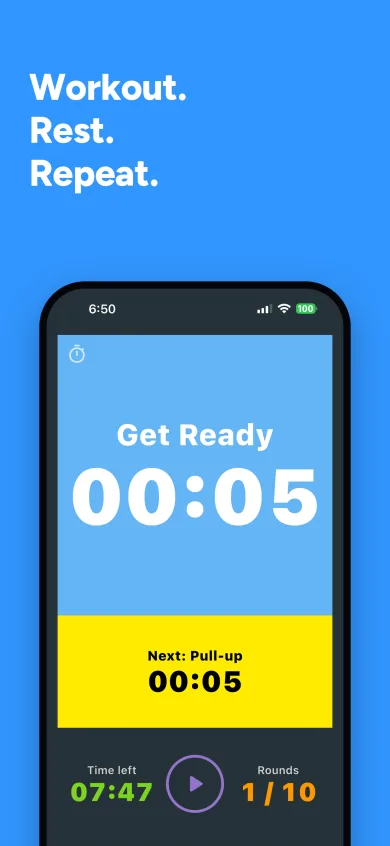
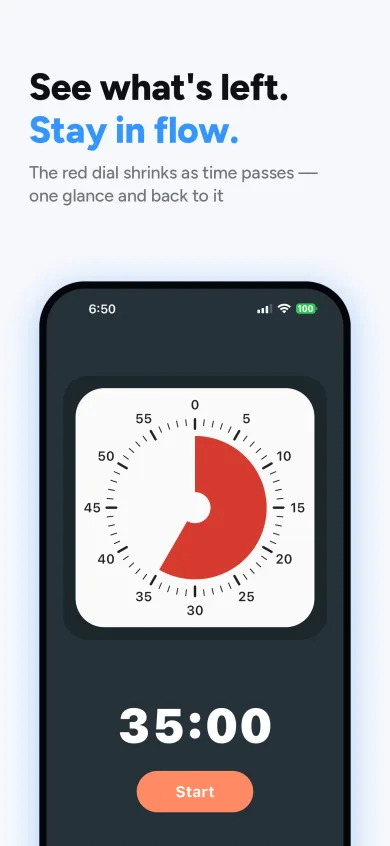
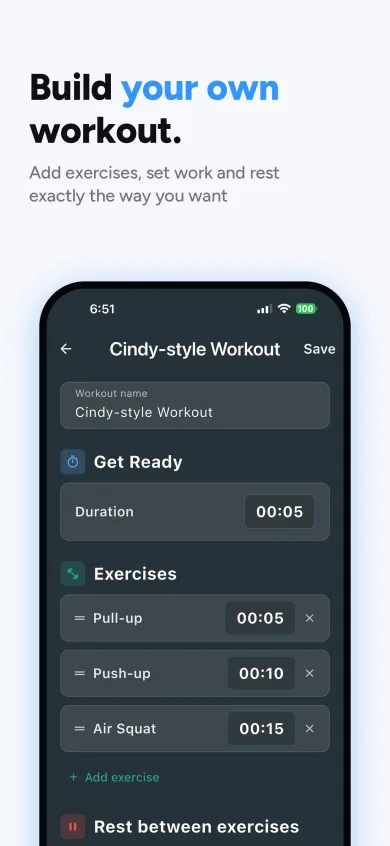
Features
- Build workouts from prep, exercises, rest, rounds, round rest and cool-down
- Several named exercises per round, each with its own work time
- Save and load your workouts, or start from the built-in ones
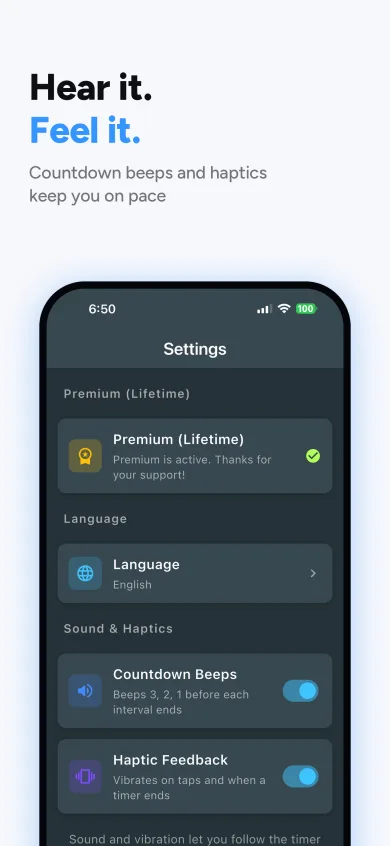
- Color-coded phases, countdown beeps (3, 2, 1), a finishing bell and haptic feedback
- The screen stays on during a run
- Follow the run from the Lock Screen and Dynamic Island on iPhone, or an ongoing notification on Android
- History calendar of finished runs
- Visual focus timer (1 to 60 minutes) for study, cooking or meditation
- 7 languages: English, Korean, Spanish, French, German, Chinese and Japanese
How it works
- Start with the default Tabata workout, or build your own from exercises, rest and rounds.
- Press start and follow the colored phases and the countdown beeps.
- Check your history calendar to see the runs you have finished.
Free and Premium
Free
- Tabata and focus timers, the workout builder, history, sounds and haptics
Premium (one-time purchase)
- Landscape orientation
- Pay once. No subscription
Frequently asked questions
Is Tabata Timer free?
Yes. The app is free to download. Premium is a one-time purchase, not a subscription, that unlocks landscape orientation.
What is the default workout?
The classic Tabata: a 10-second prep, then 8 rounds of 20 seconds of work with 10 seconds of round rest, and a 30-second cool-down. You can change every part of it.
Can I do circuits with different exercises?
Yes. A round can hold several named exercises, each with its own work time and a rest between them.
Does the timer keep running when the screen locks?
Yes. On iPhone the run shows on the Lock Screen and in the Dynamic Island; on Android it shows as an ongoing notification. While the app is open, the screen stays on.
Do I need an account or an internet connection?
No. There is no account, and the timer runs entirely on your device.
Where is my data stored?
Your workouts, settings and run history are stored on your device. PrSeo7 runs no server and cannot access them. The app uses Google Firebase for usage analytics and crash reports; that data goes from your device directly to Google. The privacy policy has the details.